SQL 2
연습한 사이트
https://www.w3schools.com/mysql/trymysql.asp?filename=trysql_select_all
MySQL Tryit Editor v1.0
WebSQL stores a Database locally, on the user's computer. Each user gets their own Database object. WebSQL is supported in Chrome, Safari, and Opera. If you use another browser you will still be able to use our Try SQL Editor, but a different version, usin
www.w3schools.com
Select
select *
from customers
해당 테이블의 모든 컬럼 가지고 오기
select CustomerName
from Customers
원하는 컬럼만 해당 테이블에서 가지고 오기
select *
from Cuntomers
where CustomerID > 3
원하는 row만 가지고 오기
select *
from Customers
order by CustomersId DESC
원하는 방식으로 데이터를 가지고 오기
select *
from Customers
limit (건너뛸 갯수), (가져올 갯수)
원하는 만큼만 데이터를 가지고 오기 ex) 갯수가 하나만 적혀있다면 처음부터 해당 갯수 / 30,10 이라면 30번째 데이터부터 10개 가지고 오기
select 1 + 2 as sum
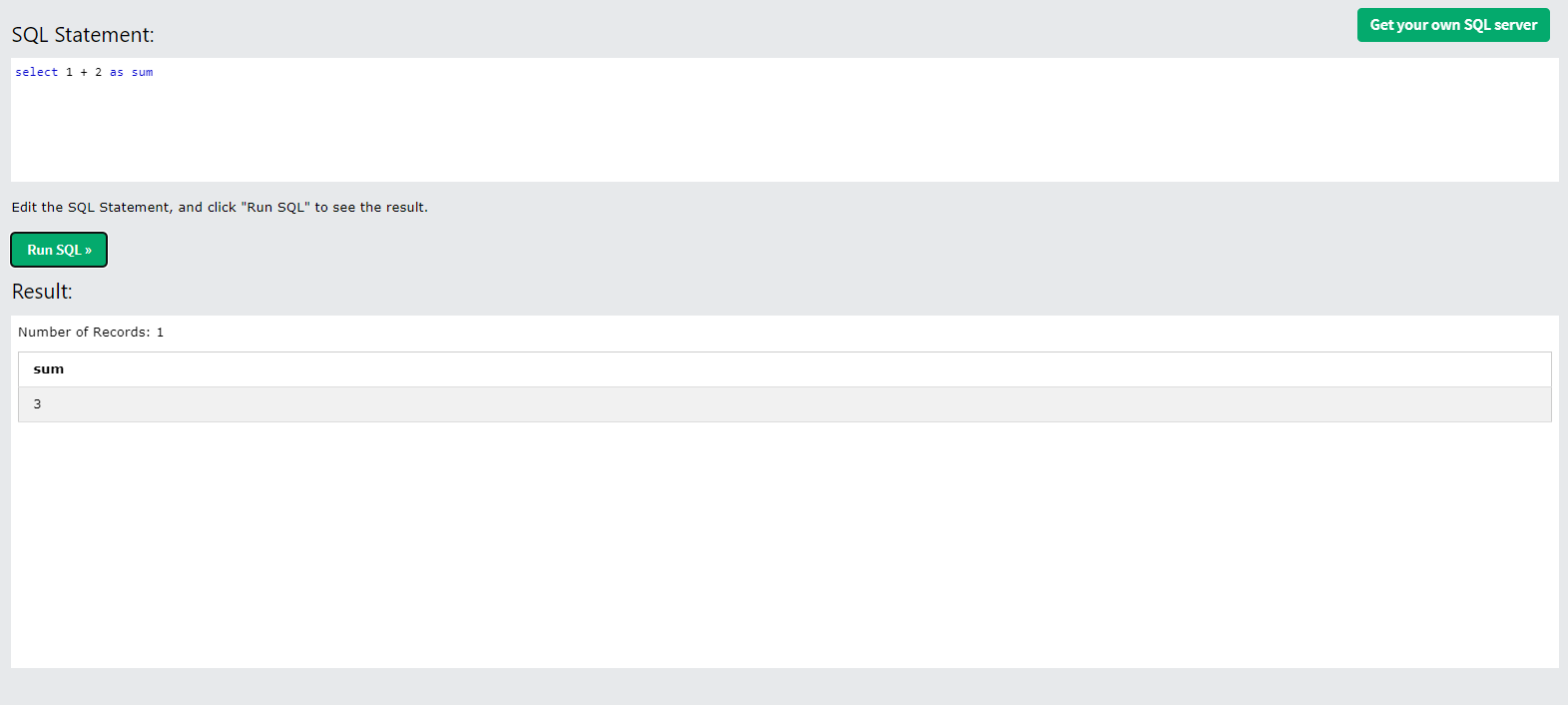
as(alias)를 이용하여 해당 컬럼의 이름 지정 가능
select 'ABC' + 3 as Case
문자열은 0으로 취급 따라서 Case 컬럼의 값은 3(0+3), 다만 숫자로 구성된 문자열은 숫자로 자동인식된다는 점
select *
from Customers
where City in ('Paris', 'Seoul')
괄호 안에 값들에 해당하는 데이터만 가지고 오기 - City가 Paris와 Seoul인 row만
select *
from Customers
where CustomerName
like '%no%'

like ' % ~~ %'
%에 올 수 있는 문자의 개수는 0부터 모든 갯수
즉 '%해당문자' 는 해당문자로 끝나는 데이터,
'해당문자%'는 해당문자로 시작하는 데이터 를 의미
ex)'%@naver%' 는 이메일의 주소가 네이버인 데이터들을 추출할 수 있
select price, round(price), ceil(price), floor(price)
from Products
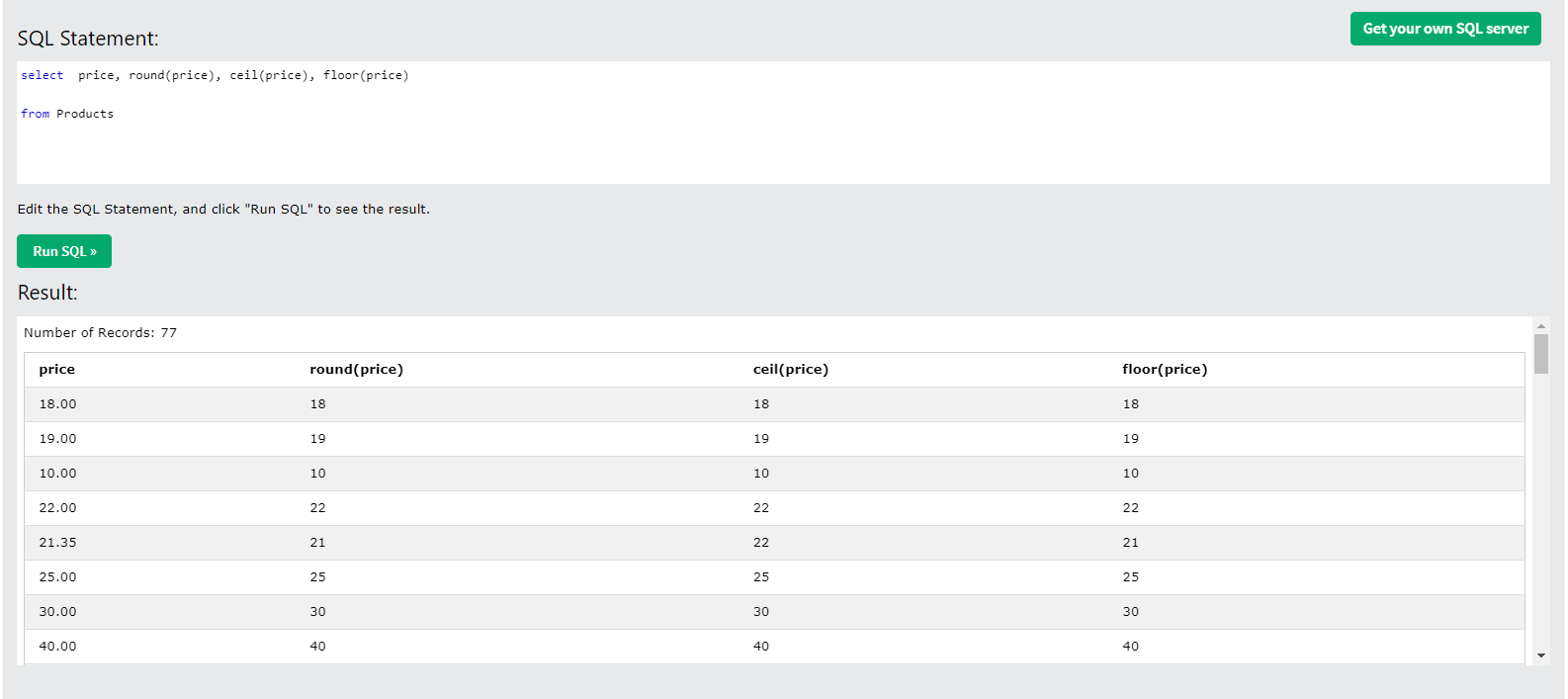
round - 반올림, ceil -올림, floor - 내림
select *
from OrderDetails
where ABS(Quantity - 10) < 5
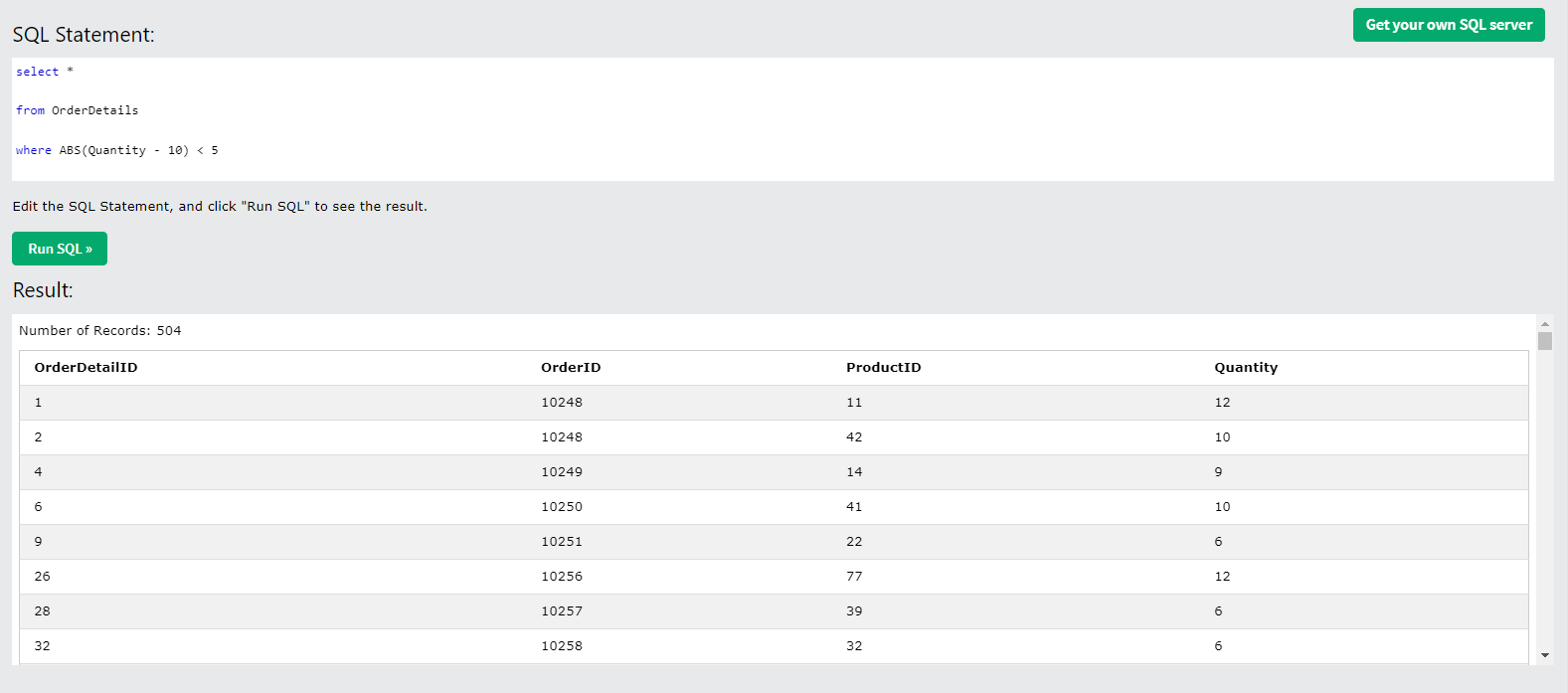
ABS - 절댓값
select OrderDetailId, ProductId, Quantity,
Greatest(OrderDetailId, ProductId, Quantity), Least(OrderDetailId, ProductId, Quantity)
from OrderDetails

Greatest( ), Least( ) 는 괄호 안에 주어진 값들 중 가장 큰 값들을 가져오는 함수
select Max(Quantity), Min(Quantity), Count(Quantity), AVG(Quantity)
from OrderDetails
where OrderDetailId between 20 and 40
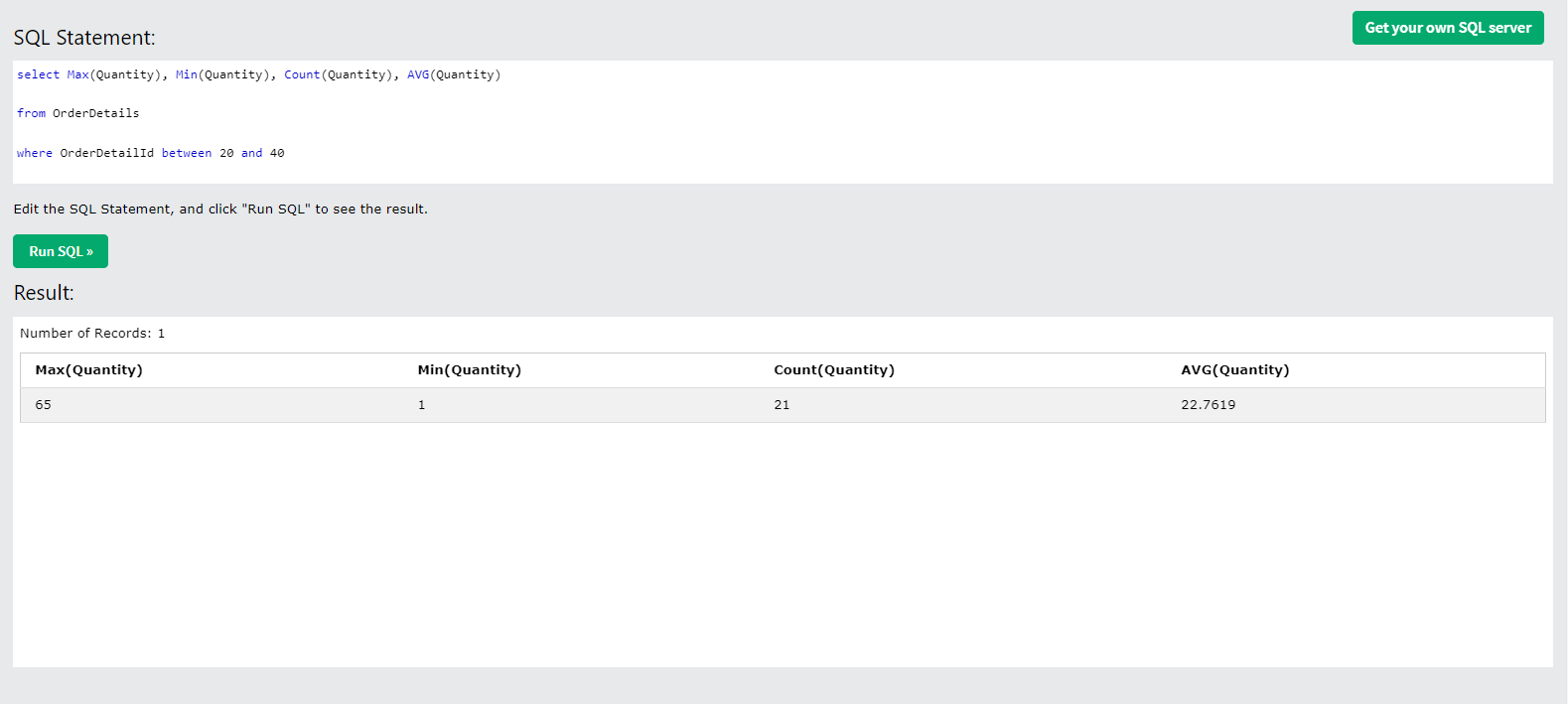
OrderDetialId가 20과 40사이에 위치한 row들의 가장 큰 Quantity(Max), 가장 작은 Quantity(Min), 해당 조건에 만족하는 Quantity의 개수(Count, 사실상 row의 개수), Quantity들의 평균(AVG)
select price
from Products
where truncate(price, 0) = 12
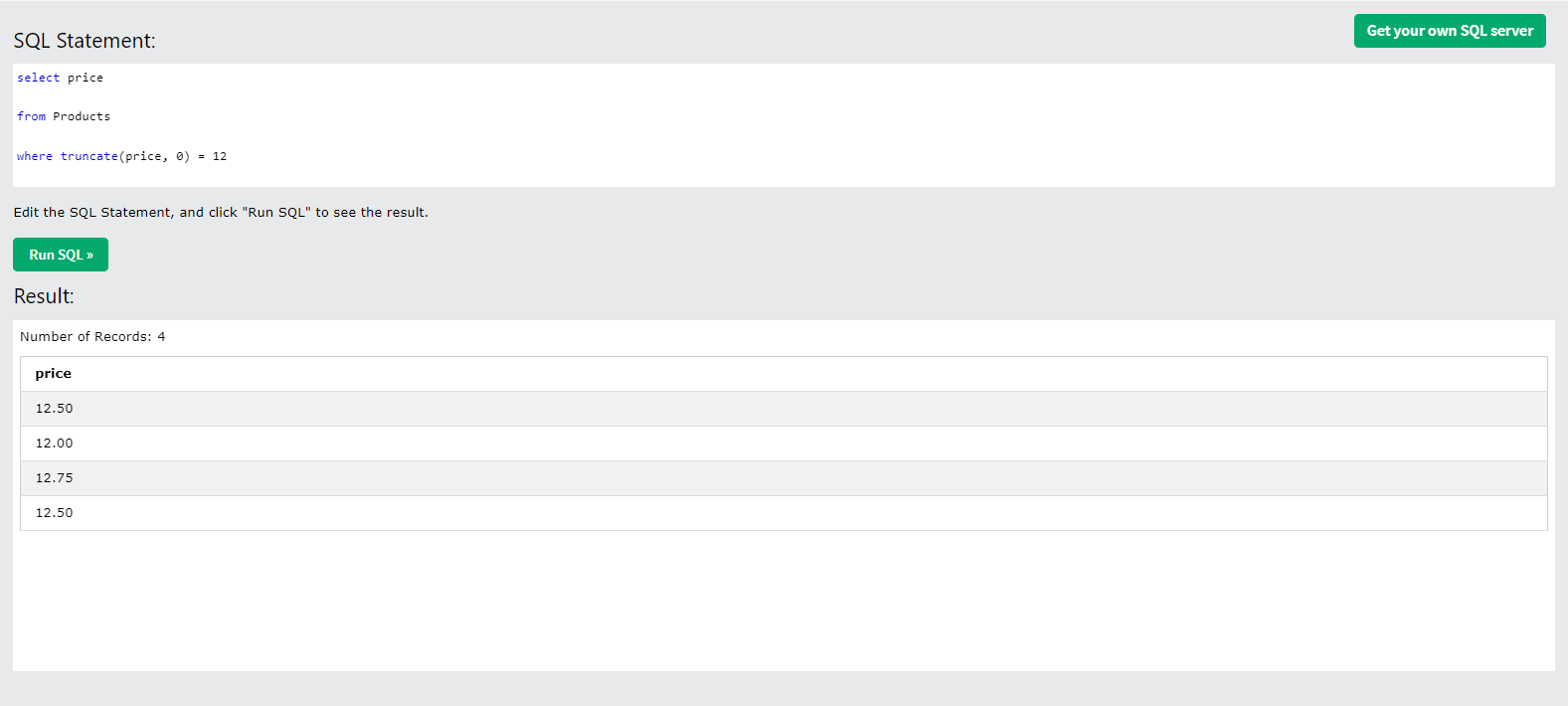
truncate(N,n) N을 소수점 n자리까지 선택하여 해당 조건에 맞는 데이터 가져오기 위의 select 문은 소수점 0의 자리까지, 즉 12.xx의 모든 데이터를 가져온 것
해당 select 문을 여러가지 형식으로 변환하면
select price
from Products
where truncate(price, 1) = 12.5

select price
from Products
where truncate(price, 2) > 12.2 and truncate(price, 2) < 13

select concat_ws(' ', FirstName, LastName) as FullName
from Employees

concat_ws(s,..) - 괄호 안에 들어오는 컬럼들을 S로 이어 붙임
select replace( replace( Description, ', and' , ', ' ), ', ' , ' and ')
from Categories
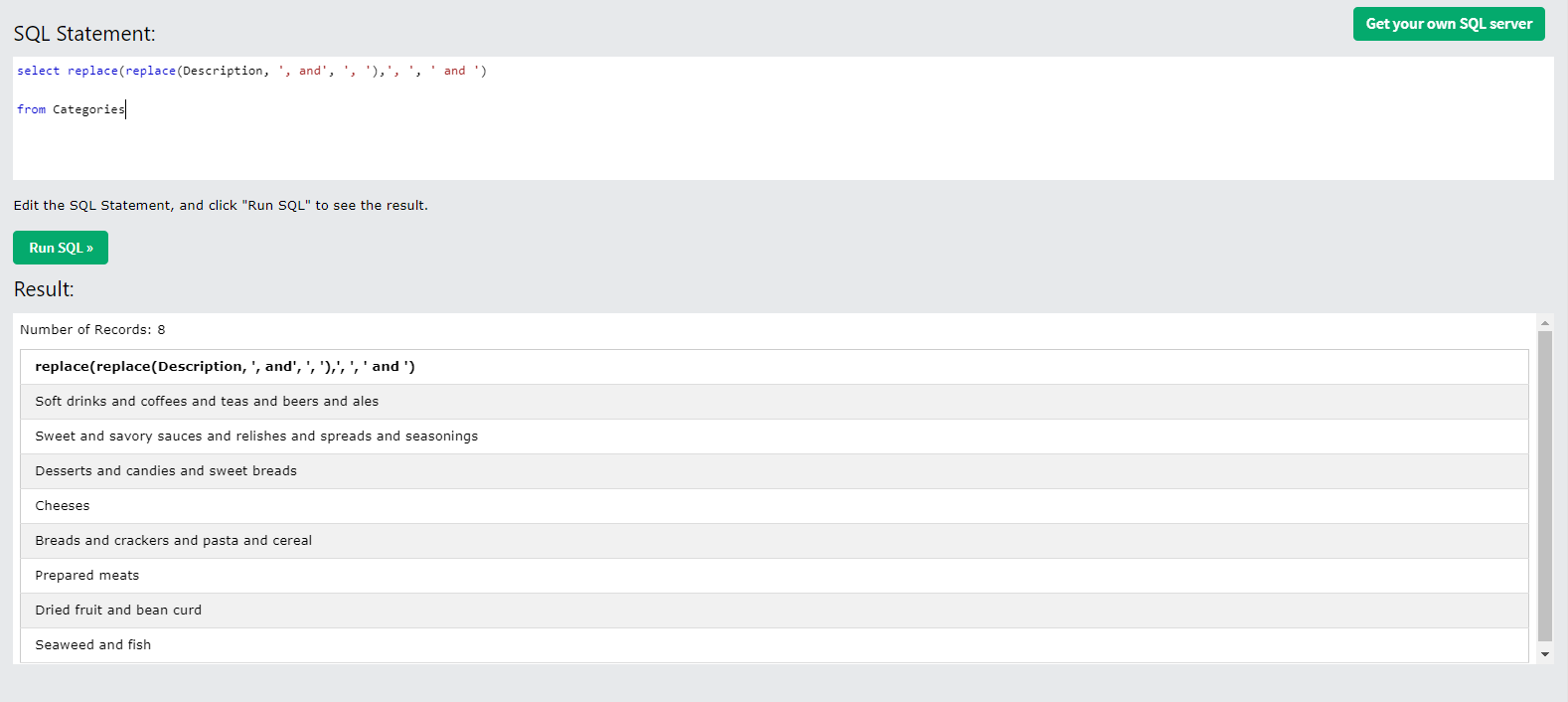
replace를 하나만 쓰면 마지막이 and and가 되므로 기존 문장을 모두 ' , ' 로 바꿔준 후 이 쉼표를 모두 and로 치환
select '01' = '1'
convert('01', Decimal) = conver('1', Decimal)

문자열로써 '01' 과 '1'은 다른 값. 하지만 자료형 변환 convert(A, T)를 사용하면 A를 T의 자료형으로 변환하기 때문에 '01'과 '1'이 1이라는 Decimal 이라는 숫자자료형으로 변환되어 값은 값이라고 판단
select price, if(price > 25, 'Expensive', 'Cheap'),
case
when price < 20 then 'low price'
when price between 20 and 25 then 'ordinary price'
else 'high price'
end
from Products
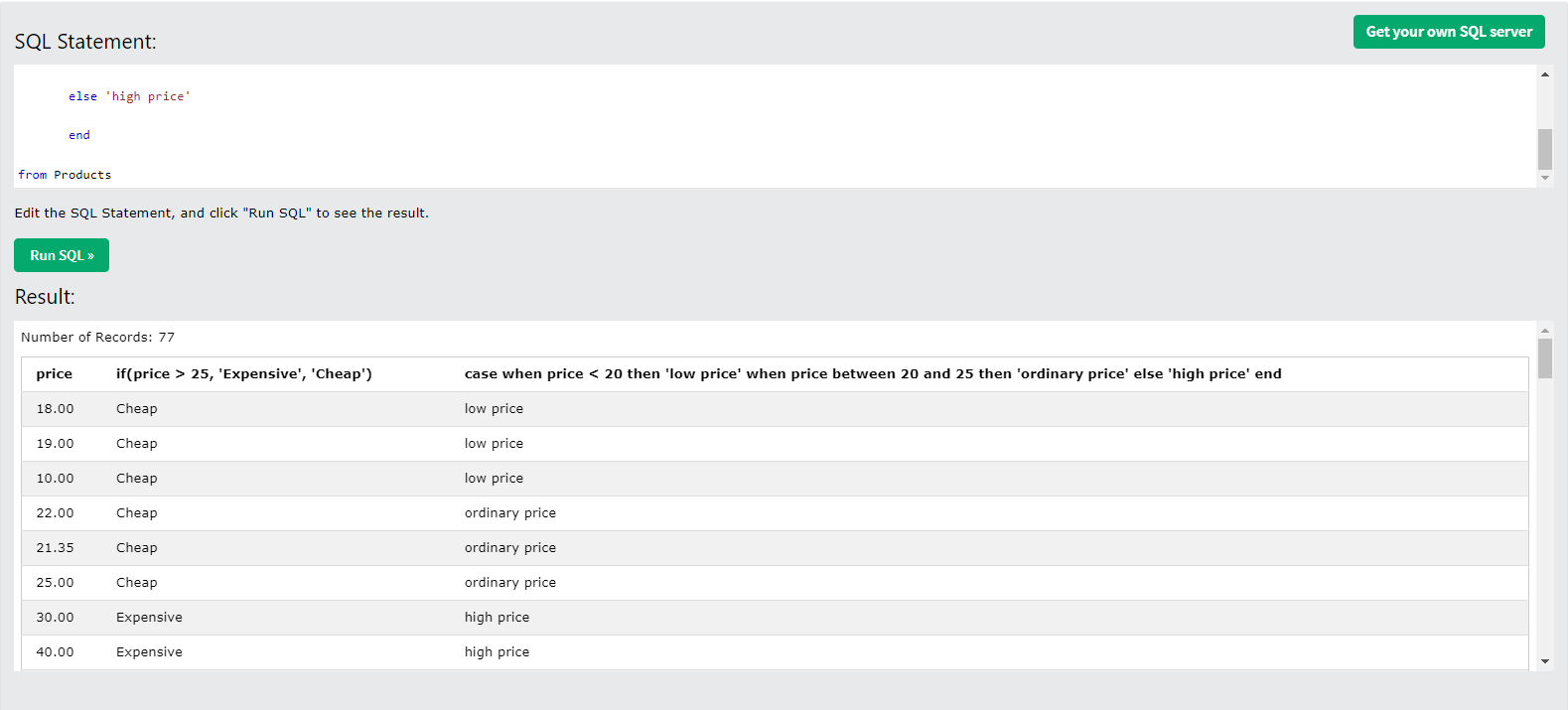
if ( 조건, T, F) 조건이 true라면 T, false라면 F
복잡한 조건은 Case문을 활용
select city
from Customers

select city
from Customers
group by city

select productID, sum(Quantity) as qsum
from OrderDetails
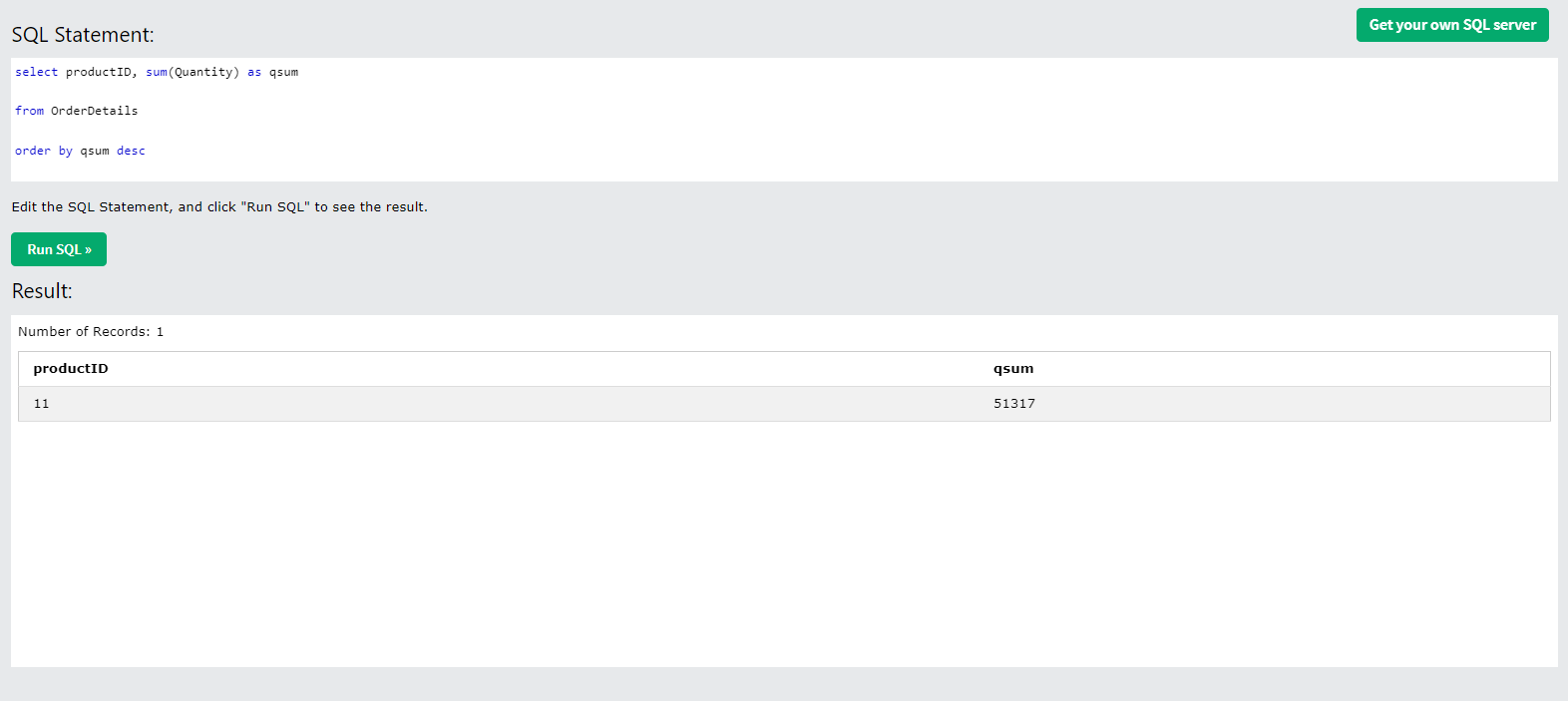
select productID, sum(Quantity) as qsum
from OrderDetails
group by ProductId
order by qsum desc
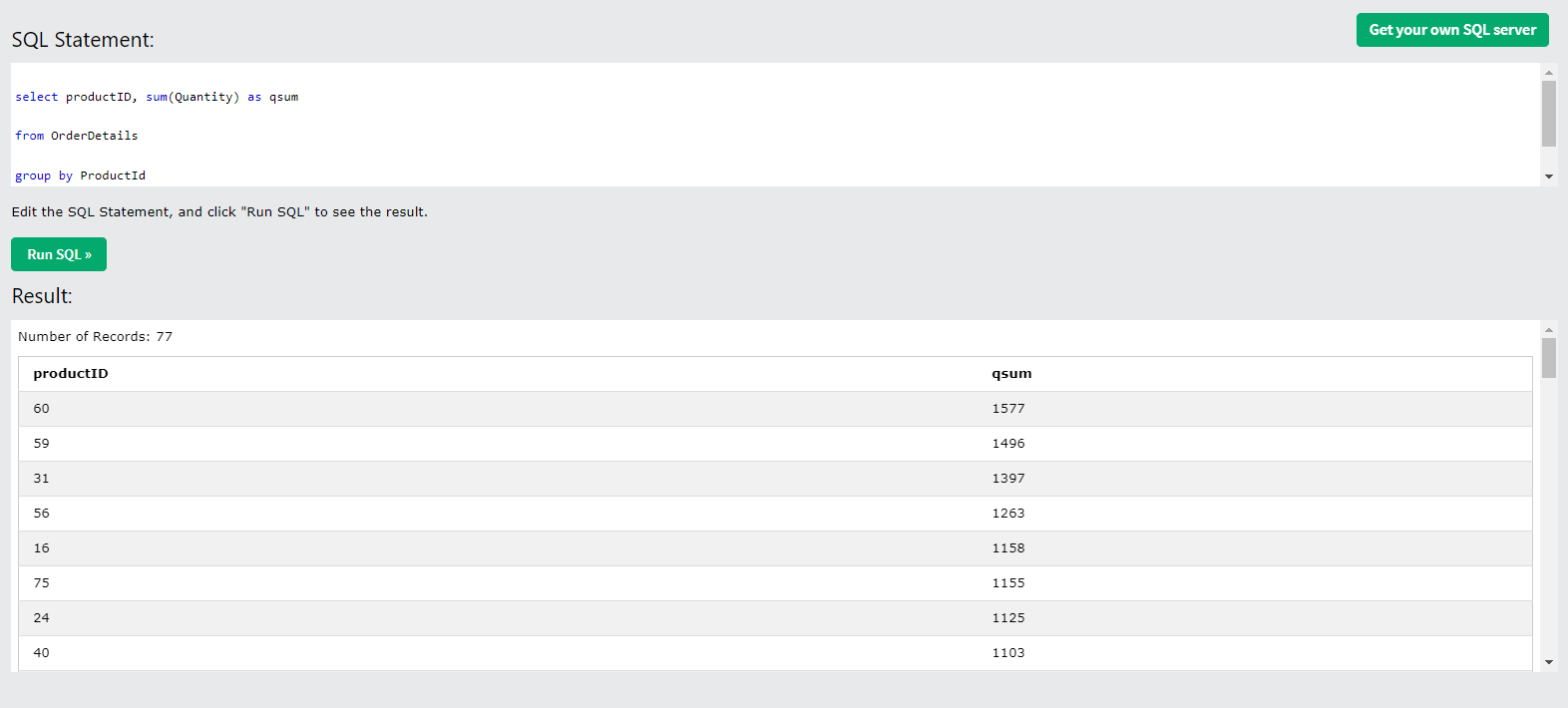
productId와 qsum이라는 별칭으로 정한 Quantity의 합을 가져온다
OrderDetails라는 테이블에서
ProductId라는 조건을 기준으로 집계하며
qsum이 큰 값부터 정렬한다.
select country, count(*) as count
from customers
group by country
having count >= 3

country와 count라는 별칭으로 만든 전체 컬럼의 개수를 가져온다
Customers라는 테이블에서
Country라는 조건을 기준으로 집계하며
count가 3 이상인 데이터들만 추출한다
where는 group by 전의 데이터, having은 group by 후의 데이터를 집계하는 데 사용
select distinct country
from Customers
order by country
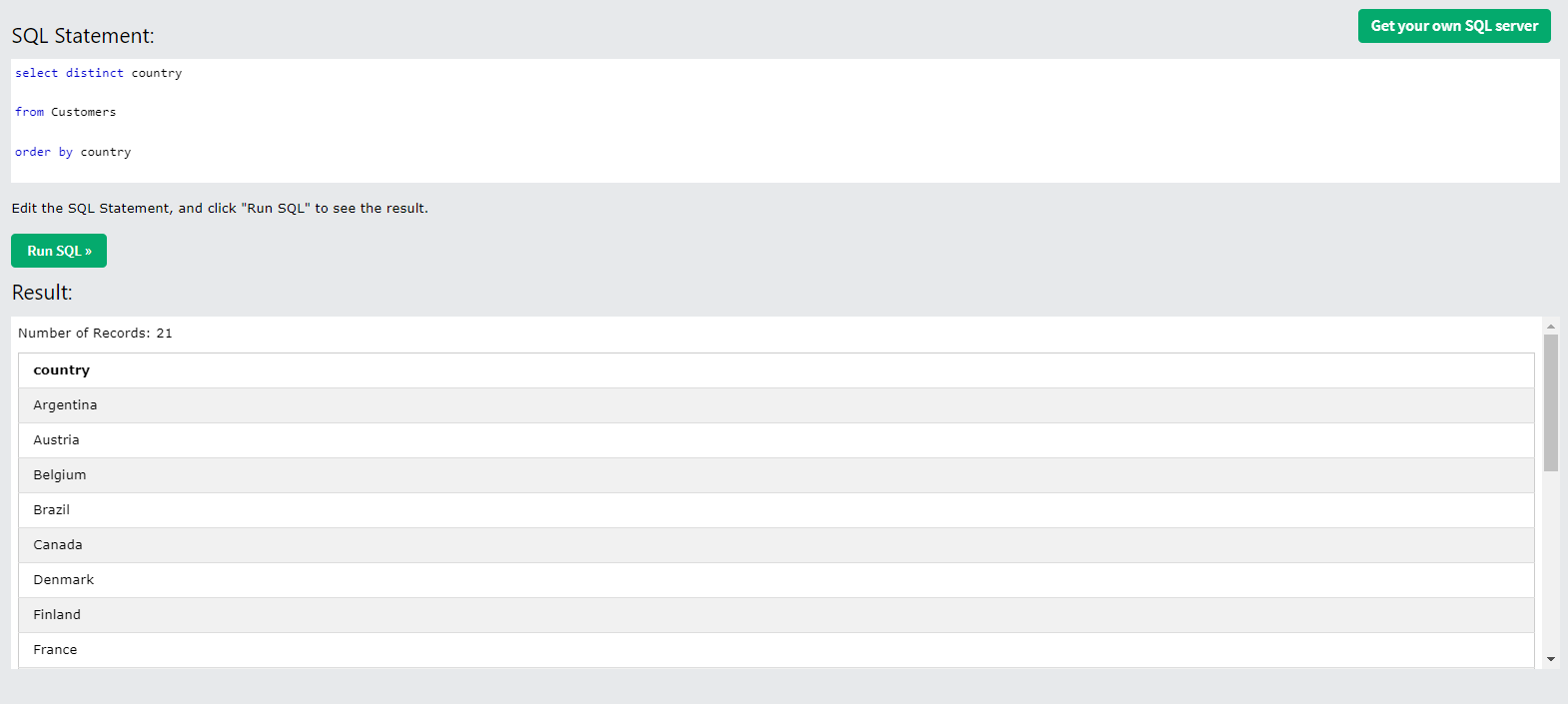
distinct - 중복된 값들을 제거
group by와 달리 집계함수가 사용되지 않으며 정렬하지 않으므로 더 빠르다는 장점
select country, count(distinct city) as citynumber
from Customers
group by country

country와 cintynumber이라는 별칭을 붙인 city의 개수를 가져온다
Customers라는 테이블에서
country라는 조건을 기준으로 집계하여